What is Adobe Premiere Video Editing?
Adobe Premiere Video Editing Training
This Adobe Premiere Video Editing certificate program is a comprehensive, hands-on journey that transforms beginners into confident video editors. You will master the complete post-production workflow, from interface setup and media organization to advanced editing techniques, audio sweetening, color correction, and final export. Designed for aspiring filmmakers, content creators, marketing professionals, and anyone who wants to produce polished video content, the training emphasizes real-world projects that mirror the demands of today’s media landscape. By the end, you will have built a professional demo reel and gained the practical skills to edit everything from social media clips to broadcast-ready productions.
The program follows a carefully structured progression that respects the learning curve of new editors while challenging experienced users to refine their craft. Starting with core timeline editing and media management, you will advance through dedicated modules on audio fundamentals, transitions and effects, color grading, and title design before tackling multicam workflows and advanced editing techniques. Each topic balances clear conceptual instruction with intensive hands-on practice, ensuring you internalize both the “how” and the “why.” With the explosive growth of video across every industry, earning a credential in Adobe Premiere Pro positions you to meet soaring demand for skilled editors who can deliver compelling, high-quality content efficiently.
What is Adobe Premiere Video Editing?
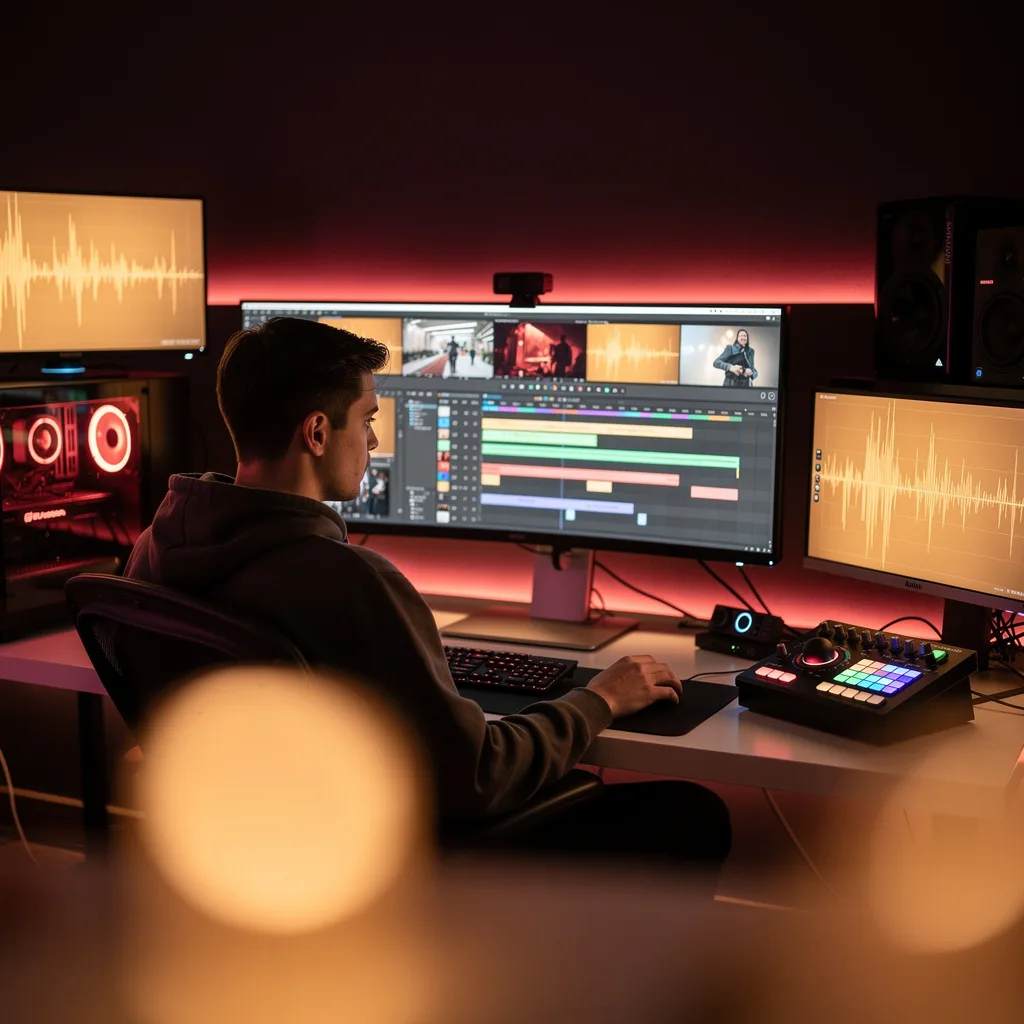
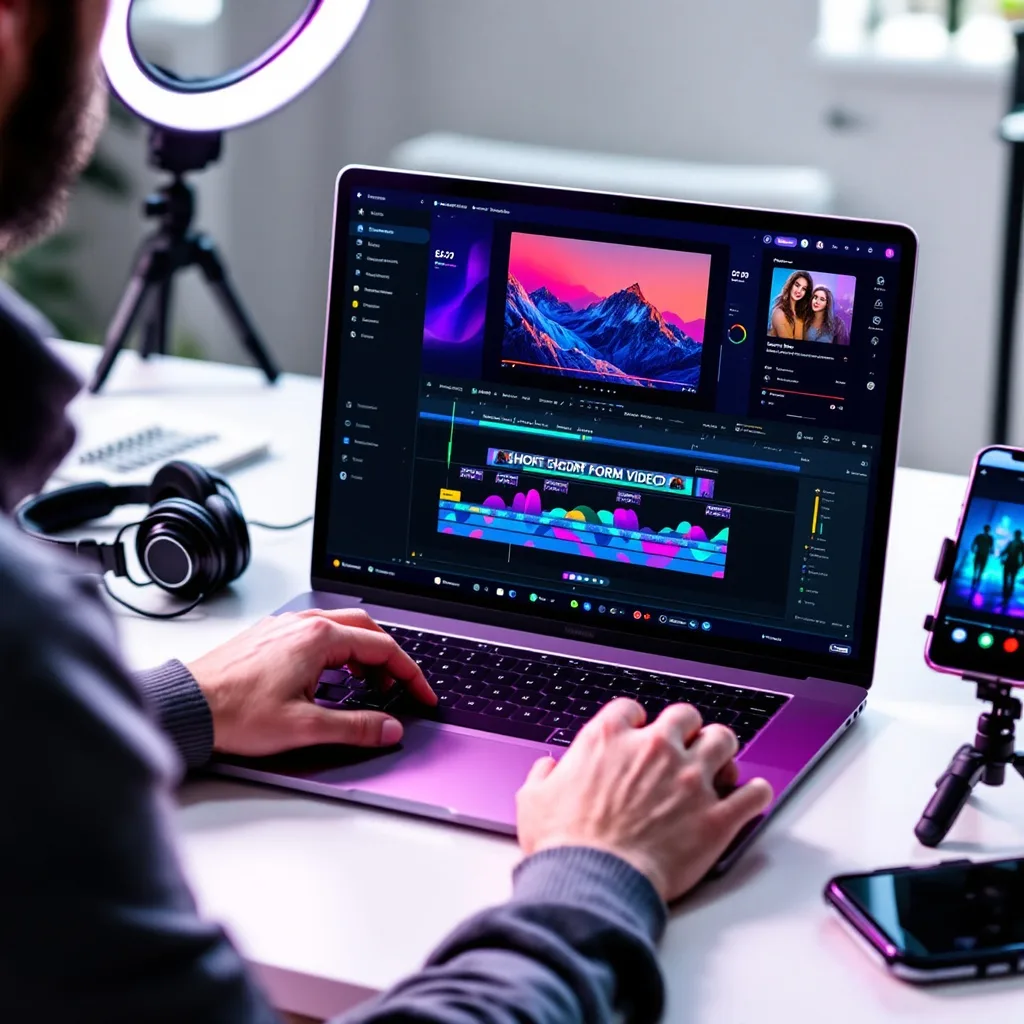
Adobe Premiere Video Editing refers to the craft of assembling, refining, and delivering video content using Adobe Premiere Pro, the industry-standard non-linear editing (NLE) software. At its core, it encompasses the entire post-production pipeline: importing and organizing raw media, cutting and arranging clips on a timeline, adjusting audio levels and applying effects, correcting and grading color, designing motion titles and graphics, and exporting finished projects in a wide range of formats. Premiere Pro’s timeline-based, track-oriented interface gives editors precise frame-by-frame control, while its deep integration with other Adobe Creative Cloud applications like After Effects, Photoshop, and Audition makes it a central hub for professional video workflows.
In today’s media-saturated world, Adobe Premiere video editing is more relevant than ever. It powers content across every screen—from Hollywood feature films and broadcast television to YouTube channels, social media stories, corporate training videos, and live-streamed events. The software’s constant evolution, including AI-powered tools like text-based editing and automatic color matching, has lowered the barrier to entry while expanding creative possibilities. Organizations of all sizes rely on Premiere Pro for its robust collaboration features, allowing multiple editors, colorists, and sound designers to work on the same project simultaneously, a critical advantage in fast-paced production environments.
Mastering Adobe Premiere video editing builds a versatile skill stack that extends far beyond software proficiency. It develops a keen sense of visual storytelling, rhythm, and pacing, as well as technical expertise in audio mixing, color science, and media management. These competencies open doors to roles such as video editor, motion graphics artist, content producer, and post-production specialist across film, television, advertising, and digital media. Even for professionals in marketing, education, or communications, the ability to craft compelling video narratives has become a powerful differentiator, enabling them to connect with audiences in the most engaging medium of our time.
What Will This Course Bring You?
- Configure project settings and organize the Premiere Pro interface to streamline your editing workflow.
- Import, tag, and manage diverse media assets using bins, metadata, and search filters for efficient retrieval.
- Assemble a rough cut on the timeline using ripple, roll, slip, and slide edits to refine pacing and continuity.
- Apply and customize video transitions and effects to enhance visual storytelling and correct common footage issues.
- Perform primary and secondary color correction using Lumetri scopes and tools to achieve consistent, professional looks.
- Design and animate multilayered title sequences and graphics with essential motion and typography principles.
- Synchronize and switch between multiple camera angles in a multicam sequence to recreate a live-switched edit.
- Mix and sweeten audio by balancing levels, reducing noise, and applying EQ and compression for broadcast-ready sound.
Curriculum
12 Units1. Interface and Project Setup
30 min
2. Media Import and Organization
30 min
3. Core Timeline Editing
30 min
4. Audio Fundamentals
30 min
5. Transitions and Effects
30 min
6. Color Correction and Grading
30 min
7. Titles and Graphics
30 min
8. Multicam Editing
30 min
9. Advanced Editing Techniques
30 min
10. Audio Mixing and Sweetening
30 min
11. Exporting and Delivery
30 min
12. Workflow Optimization and Project Management
30 min
Exam – Adobe Premiere Video Editing
20 Questions • 70% Pass • 30 min
Unlock All Units for Free
Create an account, enroll in the course, and start with the first unit right away.
Exam – Adobe Premiere Video Editing
20 Questions • Pass: 70% • 30 min
Course Duration
360
Total Minutes
12
Unit
1
Final Exam
~30
Min / Unit
Adobe Premiere Video Editing Certificate Program
Document Your Skill
Those who pass the 20-question, 30-minute exam with 70% receive the Adobe Premiere Video Editing Certificate.
Stand Out on Your CV
By adding your certificate to your CV, gain a professional reference in job applications and stand out from the crowd.
Career Advantage
Catch Wisdom certificates are recognized by HR departments and increase career opportunities.
CERTIFICATE FEE
At the end of the course, an online exam consisting of 20 questions with a 30-minute time limit is given. The exam appears automatically after you complete the topics. Anyone who scores at least 70 out of 100 on the certificate exam is awarded the Adobe Premiere Video Editing Document (certificate of attendance). You can add the certificate you earn to your CV for job applications in the many sectors listed above, and use it as a reference proving that you took this interactive course.
The Certificate of Achievement you receive with the Adobe Premiere Video Editing course program holds value that proves your personal and professional development in the business world. By adding it to your CV, it can serve as an important reference in your job applications. Moreover, compared with certificates from other private training institutions, Catch Wisdom certificates are offered to our participants at a much more affordable price.
Because HR departments recognize Catch Wisdom as a reputable institution in this field, they value these certificates and may evaluate your job applications favorably. For this reason, a Adobe Premiere Video Editing course certificate from Catch Wisdom can make your applications more attractive and place you in an advantageous position in the business world.
For more information, we recommend visiting the Support page.
Certificate in 7 Languages
Earning success certificates from our courses is now more meaningful and global. With certificates available in Turkish, English, German, French, Spanish, Arabic, and Russian, we fully unlock the potential of students worldwide.
Why Certificate in 7 Languages?
-
01
Global Skill Development
Receiving your certificates in 7 different languages strengthens your communication skills as you engage with more people worldwide. It lets you operate more confidently and capably on the international stage.
-
02
International Job Opportunities
Employers may see your certificates in multiple languages as a sign of your ability to seize global opportunities. You can open more doors to new jobs and projects.
-
03
Cultural Richness
The chance to earn certificates in different languages helps you build closer ties with various cultures and broadens your worldview. It enriches your global perspective and deepens cultural understanding.
-
04
Ability to Participate in International Projects
Multilingual certificates give you an edge to work more effectively on international projects. They boost your chances of leadership and participation in diverse projects in the business world.
-
05
Prove Yourself on the Global Stage
Certificates in multiple languages let you showcase your skills and knowledge worldwide. You can become an internationally recognized professional.
Language diversity opens worldwide opportunities. If you want to prove yourself in the international arena, join our online Adobe Premiere Video Editing course program and begin this journey with us.
Frequently Asked Questions (FAQ)
Is this course paid?
How do I join the course?
Can I take the course at my own pace?
How can I get my certificate?
What are the advantages of the Certified Certificate?
Boost Your Career
Take a new career step with the Adobe Premiere Video Editing course. Add your certificate to your CV, stand out in job applications, and open the door to new opportunities in the industry.
StartStudent Reviews
No reviews yet
Enroll in this course and be the first to leave a review about your experience with Adobe Premiere Video Editing.
Start