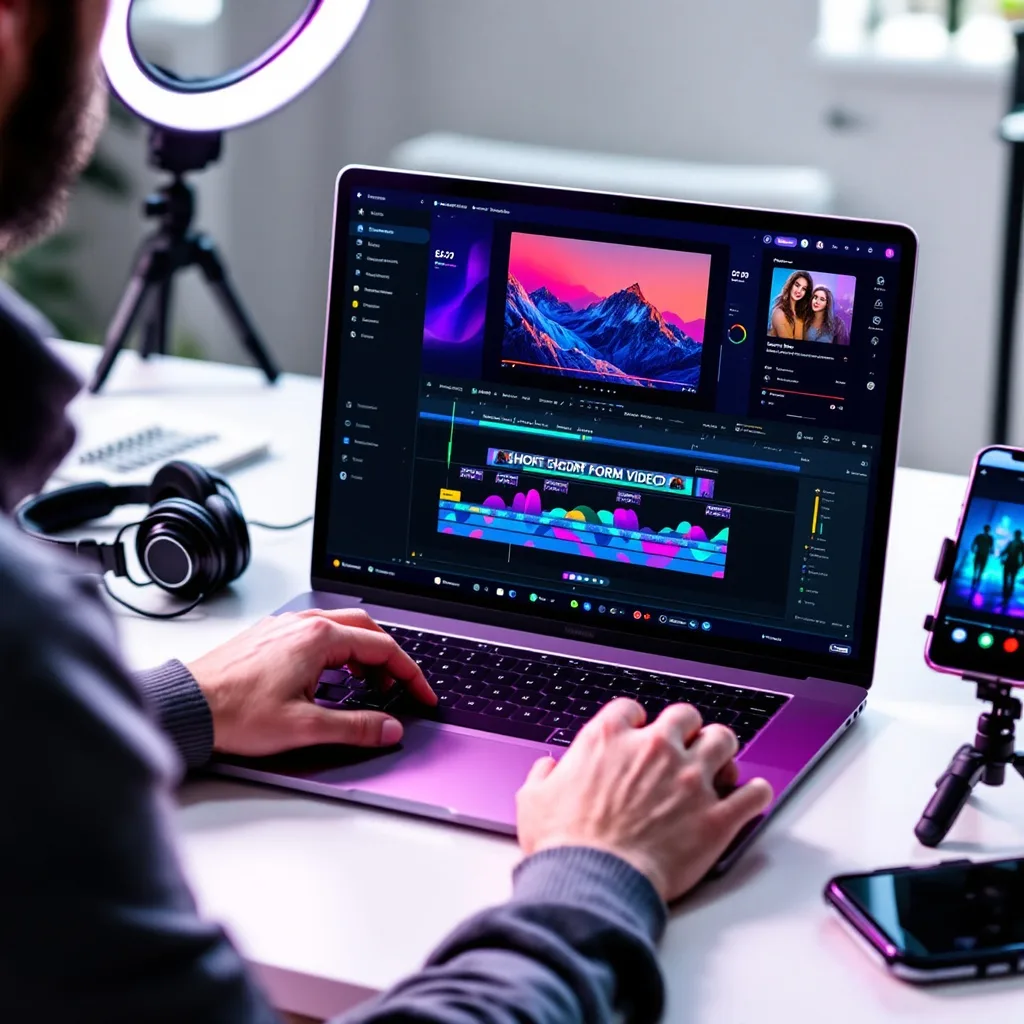
What is CapCut Video Editing?
CapCut Video Editing Training
This CapCut Video Editing certificate program is a comprehensive journey from absolute basics to advanced content creation, designed for aspiring creators, social media managers, marketers, and anyone eager to produce scroll-stopping videos. You will master the complete CapCut workflow, starting with interface navigation and core timeline editing, then moving through transitions, effects, audio design, and text animation. The main practical outcome is the ability to independently conceive, edit, and export a polished, professional-grade video project from scratch, ready for platforms like TikTok, YouTube, and Instagram.
The program is structured as a progressive, beginner-friendly learning path that balances conceptual understanding with intensive hands-on practice. You will first build a solid foundation in cutting, trimming, and arranging clips before layering in dynamic transitions, color correction, and keyframe animation. The training then deepens into advanced compositing, motion graphics, and sophisticated audio editing, culminating in an end-to-end creative project that simulates a real-world client brief. This approach ensures you not only learn the tools but also develop an efficient, creative editing mindset that is immediately applicable in today’s fast-paced digital media landscape.
What is CapCut Video Editing?
CapCut video editing is the art and technique of assembling, enhancing, and transforming raw footage into compelling visual stories using CapCut, the free, all-in-one editing platform developed by ByteDance. It encompasses the full post-production pipeline, from basic timeline operations like splitting and trimming clips to sophisticated processes such as multi-layer compositing, keyframe animation, and audio mixing. The subject covers essential visual treatments including transitions, filters, color grading, and text-based motion graphics, all within an interface designed to be intuitive for beginners yet powerful enough for professional creators.
In today’s digital ecosystem, CapCut editing has become a cornerstone skill because it directly powers the short-form video revolution dominating TikTok, Instagram Reels, and YouTube Shorts. Its seamless integration with TikTok’s trending sounds, effects, and templates makes it the default tool for millions of content creators and brands seeking viral reach. Beyond social media, CapCut is increasingly used for marketing campaigns, educational content, and independent filmmaking, driven by recent shifts toward mobile-first production and AI-assisted features like auto-captions, background removal, and smart color correction that dramatically accelerate editing workflows.
Mastering CapCut builds a versatile skill stack that bridges creative storytelling and technical production. It develops an understanding of pacing, visual hierarchy, and narrative structure alongside practical expertise in motion graphics, audio sweetening, and color science. These competencies are invaluable for social media managers who need to produce high-engagement content rapidly, entrepreneurs building personal brands, and aspiring video editors entering the creator economy. The subject empowers individuals to transform raw ideas into polished, platform-optimized videos without the steep learning curve or cost of traditional editing suites.
What Will This Course Bring You?
- Configure project settings and organize media assets within the CapCut interface to establish an efficient editing workflow.
- Execute precise timeline edits, including trimming, splitting, and sequencing clips, to construct a coherent narrative structure.
- Apply and customize transitions and basic effects to create seamless visual connections between scenes and enhance storytelling.
- Edit and balance audio tracks, incorporating dialogue, music, and sound effects to achieve a professional sound mix.
- Design and animate text overlays and titles using typography tools to reinforce messaging and visual engagement.
- Adjust color and apply filters to correct exposure and white balance, ensuring consistent visual tone across all clips.
- Manipulate clip speed and set keyframes to animate properties like scale, position, and opacity for dynamic motion effects.
- Select optimal export settings and share finished videos across platforms while maintaining high quality and format compatibility.
Curriculum
12 Units1. Interface and Project Setup
30 min
2. Core Timeline Editing
30 min
3. Transitions and Basic Effects
30 min
4. Working with Audio
30 min
5. Text and Titles
30 min
6. Color Correction and Filters
30 min
7. Speed Control and Keyframe Animation
30 min
8. Advanced Layering and Compositing
30 min
9. Motion Graphics and Stickers
30 min
10. Advanced Audio Editing
30 min
11. Exporting and Sharing
30 min
12. End-to-End Creative Project
30 min
Exam – CapCut Video Editing
20 Questions • 70% Pass • 30 min
Unlock All Units for Free
Create an account, enroll in the course, and start with the first unit right away.
Exam – CapCut Video Editing
20 Questions • Pass: 70% • 30 min
Course Duration
360
Total Minutes
12
Unit
1
Final Exam
~30
Min / Unit
CapCut Video Editing Certificate Program
Document Your Skill
Those who pass the 20-question, 30-minute exam with 70% receive the CapCut Video Editing Certificate.
Stand Out on Your CV
By adding your certificate to your CV, gain a professional reference in job applications and stand out from the crowd.
Career Advantage
Catch Wisdom certificates are recognized by HR departments and increase career opportunities.
CERTIFICATE FEE
At the end of the course, an online exam consisting of 20 questions with a 30-minute time limit is given. The exam appears automatically after you complete the topics. Anyone who scores at least 70 out of 100 on the certificate exam is awarded the CapCut Video Editing Document (certificate of attendance). You can add the certificate you earn to your CV for job applications in the many sectors listed above, and use it as a reference proving that you took this interactive course.
The Certificate of Achievement you receive with the CapCut Video Editing course program holds value that proves your personal and professional development in the business world. By adding it to your CV, it can serve as an important reference in your job applications. Moreover, compared with certificates from other private training institutions, Catch Wisdom certificates are offered to our participants at a much more affordable price.
Because HR departments recognize Catch Wisdom as a reputable institution in this field, they value these certificates and may evaluate your job applications favorably. For this reason, a CapCut Video Editing course certificate from Catch Wisdom can make your applications more attractive and place you in an advantageous position in the business world.
For more information, we recommend visiting the Support page.
Certificate in 7 Languages
Earning success certificates from our courses is now more meaningful and global. With certificates available in Turkish, English, German, French, Spanish, Arabic, and Russian, we fully unlock the potential of students worldwide.
Why Certificate in 7 Languages?
-
01
Global Skill Development
Receiving your certificates in 7 different languages strengthens your communication skills as you engage with more people worldwide. It lets you operate more confidently and capably on the international stage.
-
02
International Job Opportunities
Employers may see your certificates in multiple languages as a sign of your ability to seize global opportunities. You can open more doors to new jobs and projects.
-
03
Cultural Richness
The chance to earn certificates in different languages helps you build closer ties with various cultures and broadens your worldview. It enriches your global perspective and deepens cultural understanding.
-
04
Ability to Participate in International Projects
Multilingual certificates give you an edge to work more effectively on international projects. They boost your chances of leadership and participation in diverse projects in the business world.
-
05
Prove Yourself on the Global Stage
Certificates in multiple languages let you showcase your skills and knowledge worldwide. You can become an internationally recognized professional.
Language diversity opens worldwide opportunities. If you want to prove yourself in the international arena, join our online CapCut Video Editing course program and begin this journey with us.
Frequently Asked Questions (FAQ)
Is this course paid?
How do I join the course?
Can I take the course at my own pace?
How can I get my certificate?
What are the advantages of the Certified Certificate?
Boost Your Career
Take a new career step with the CapCut Video Editing course. Add your certificate to your CV, stand out in job applications, and open the door to new opportunities in the industry.
StartStudent Reviews
No reviews yet
Enroll in this course and be the first to leave a review about your experience with CapCut Video Editing.
Start